
Through the webhook
Post Loopedn leads to a Slack channel
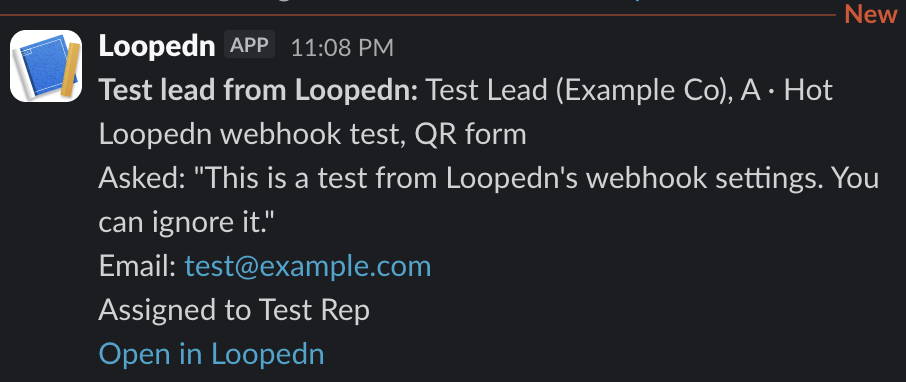
Loopedn posts each new lead to the Slack channel you pick, with their name, company, tier, event, what they asked and a link to the lead. It uses a Slack incoming webhook, so nothing sits in between. It comes with Pro.
What works today
- One short message per lead, with who they are, what they asked, who it went to, and a link to open the lead in Loopedn.
- Hot leads only, so the channel hears about the A leads and nothing else.
- Each event has its own switch.
- What people type is escaped, so a question on the form can't ping the whole channel.
- If Slack keeps refusing, the team's admins get one email a day at most, and Retry failed sends the leads again.
What it doesn't do yet
- Loopedn posts to Slack. It doesn't read replies or reactions in the channel.
Set it up
1 Make a Slack app with an incoming webhook
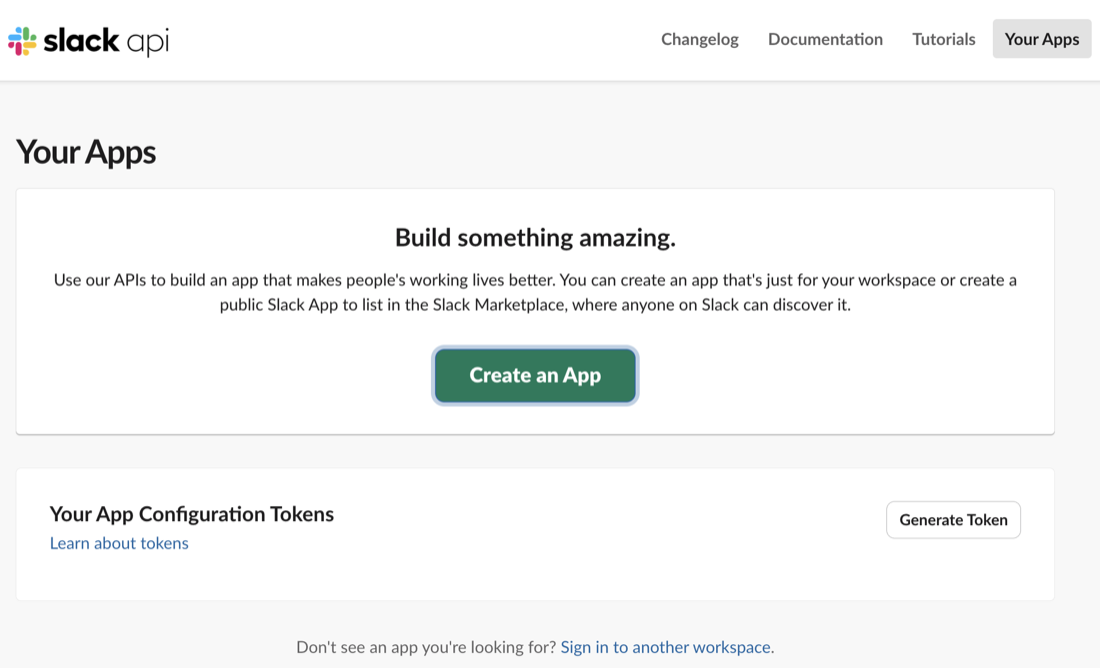
1. On Slack's app page, click Create an App (Create New App if you already have one).
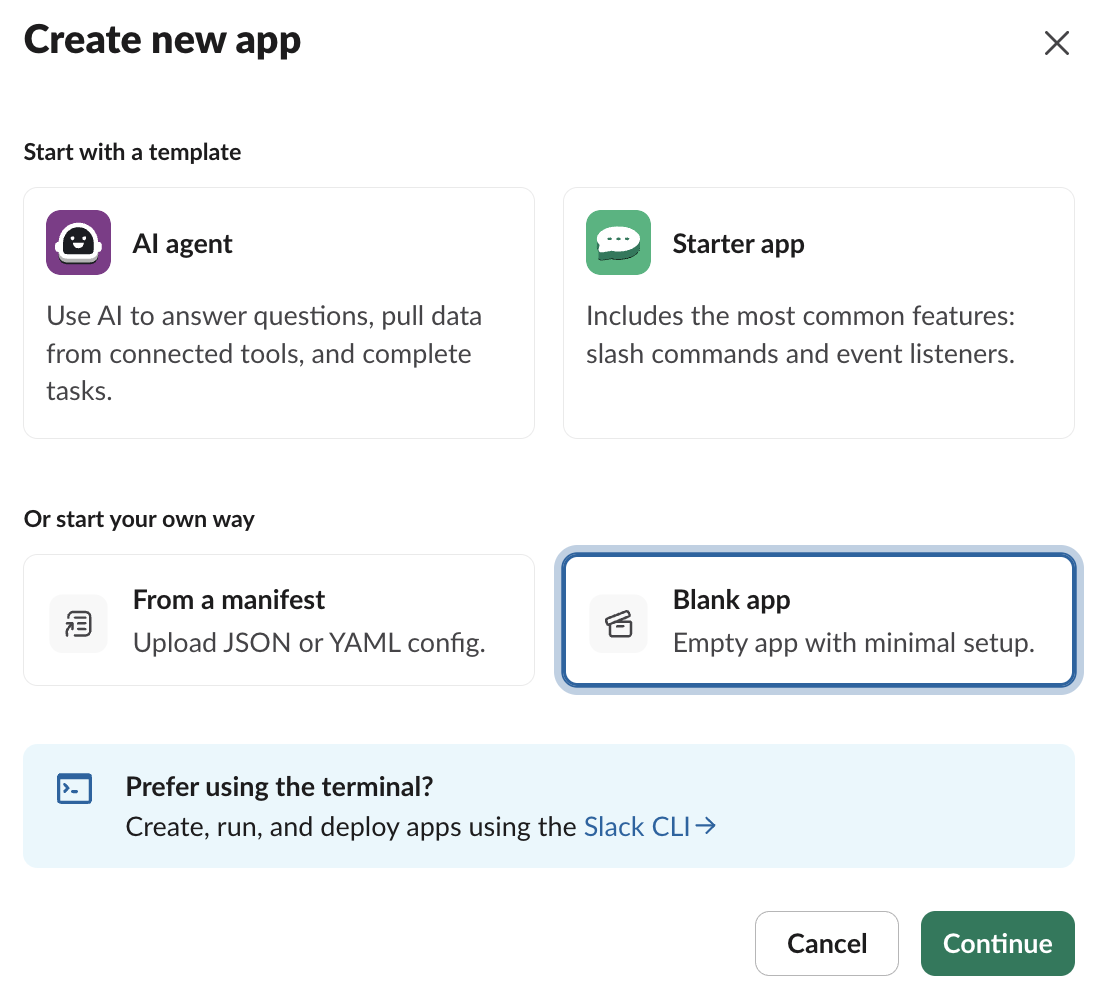
2. Choose Blank app, then Continue.
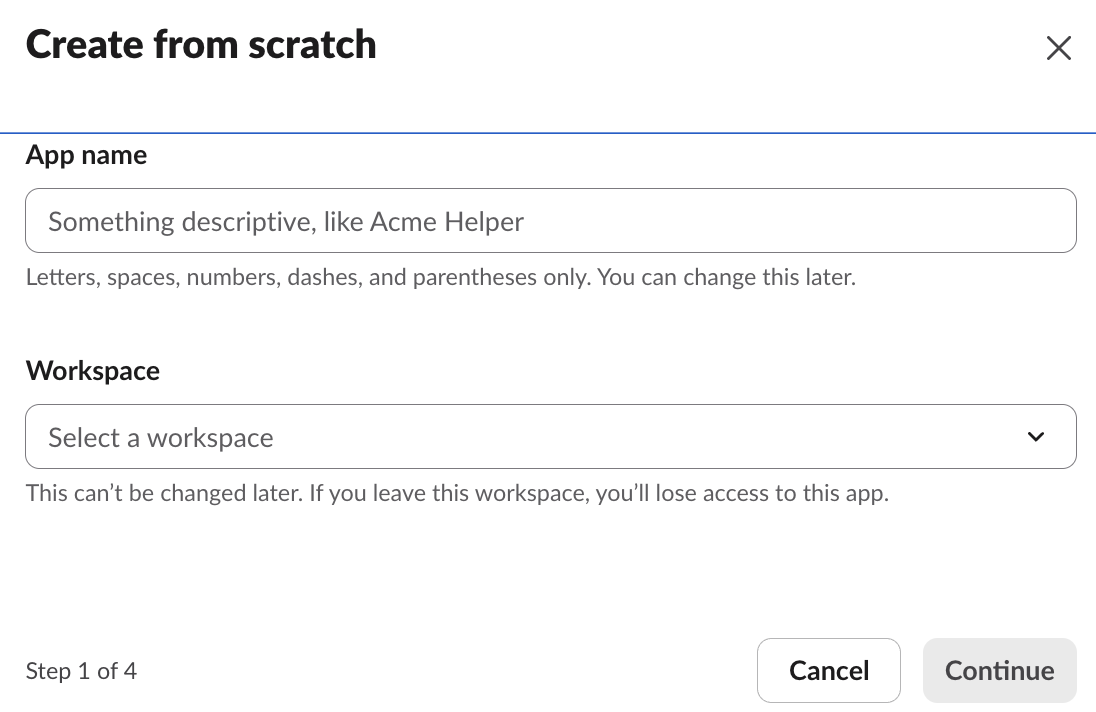
3. Name it Loopedn, pick your workspace, and click Continue.
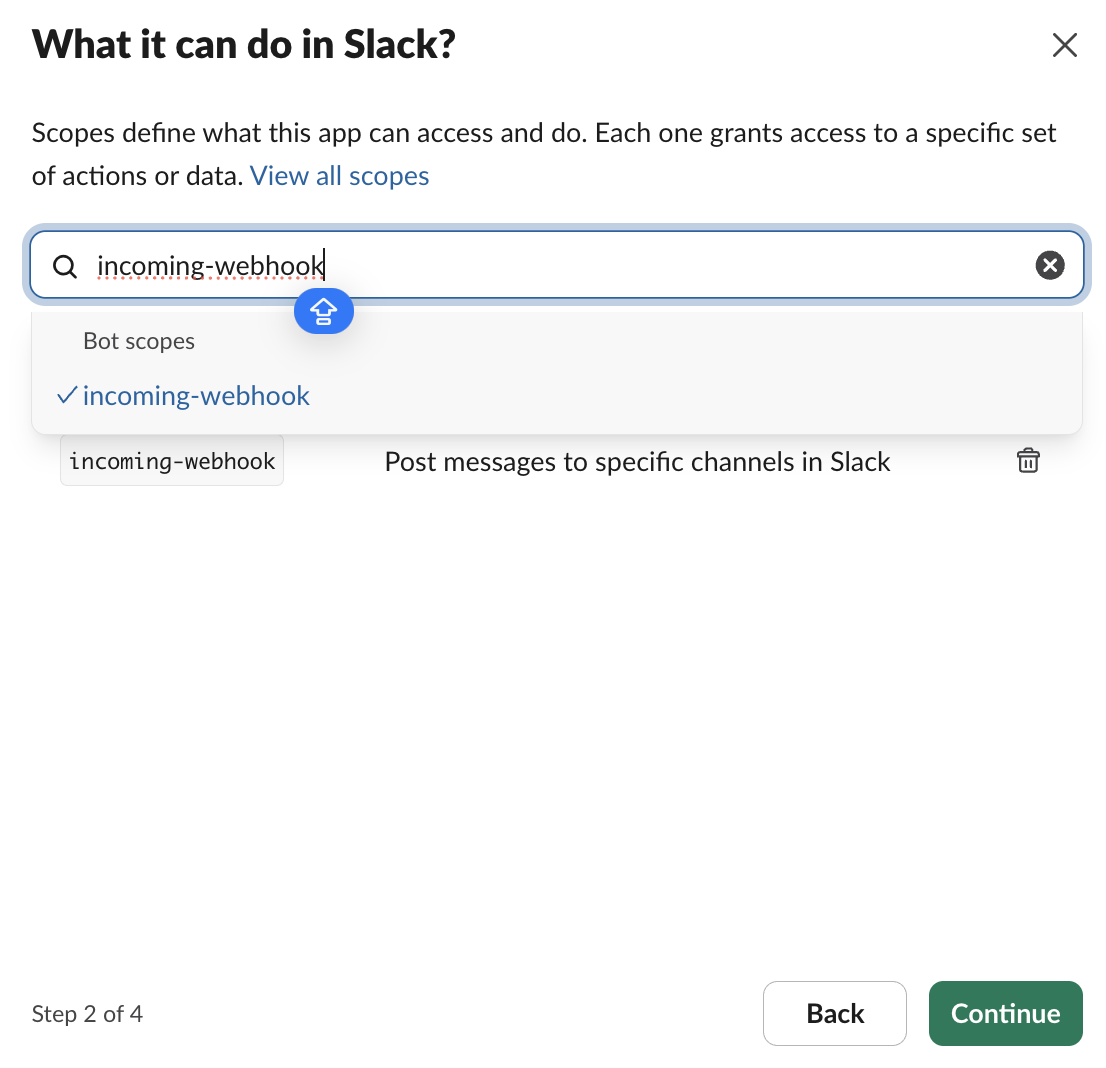
4. Search for incoming-webhook, pick it, and click Continue.
5. Nothing to add here. Click Continue.
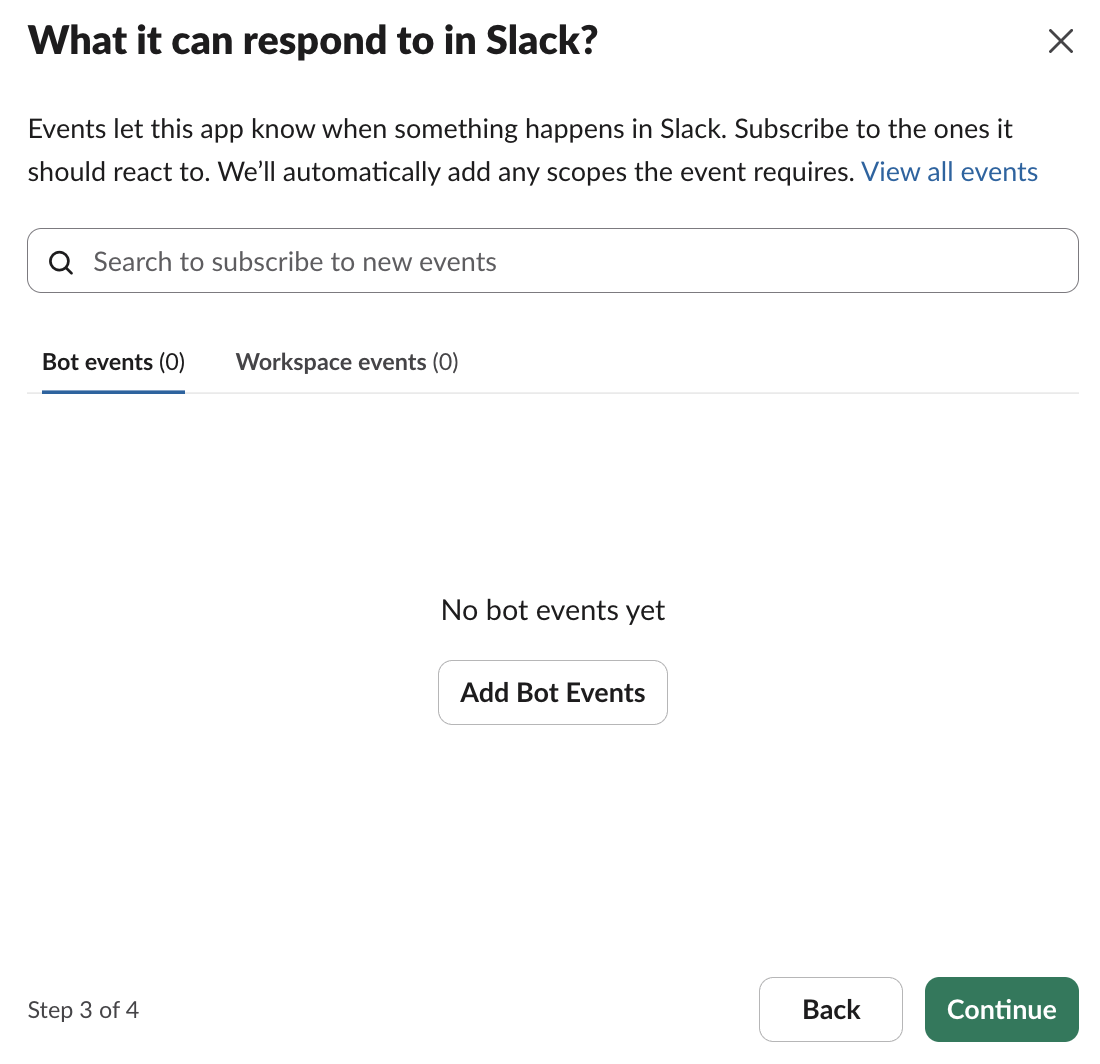
6. Click Create and Install.
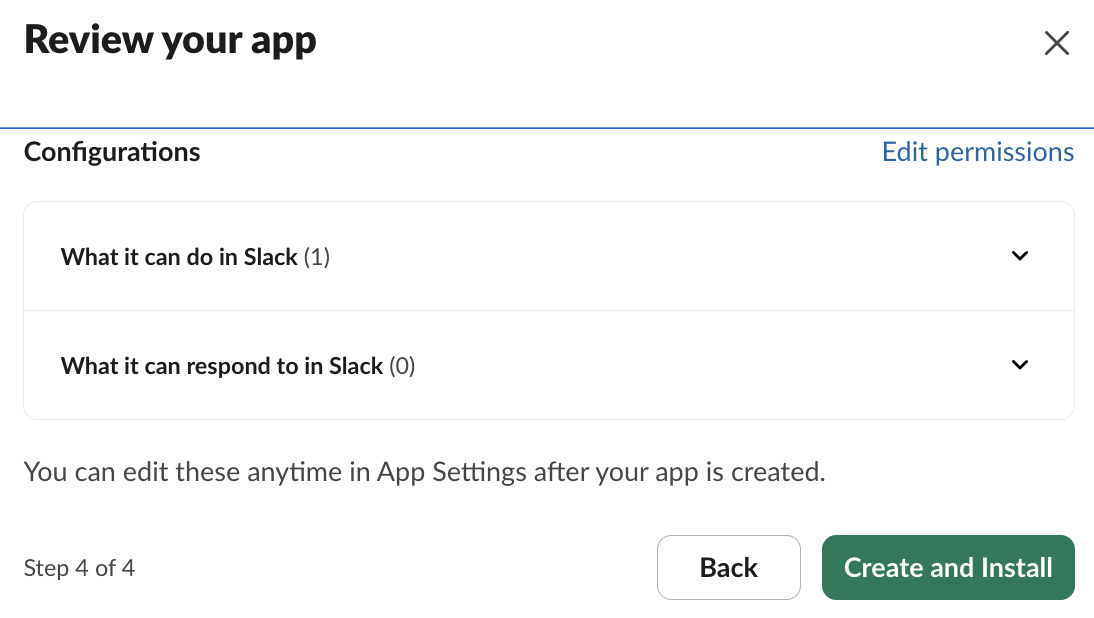
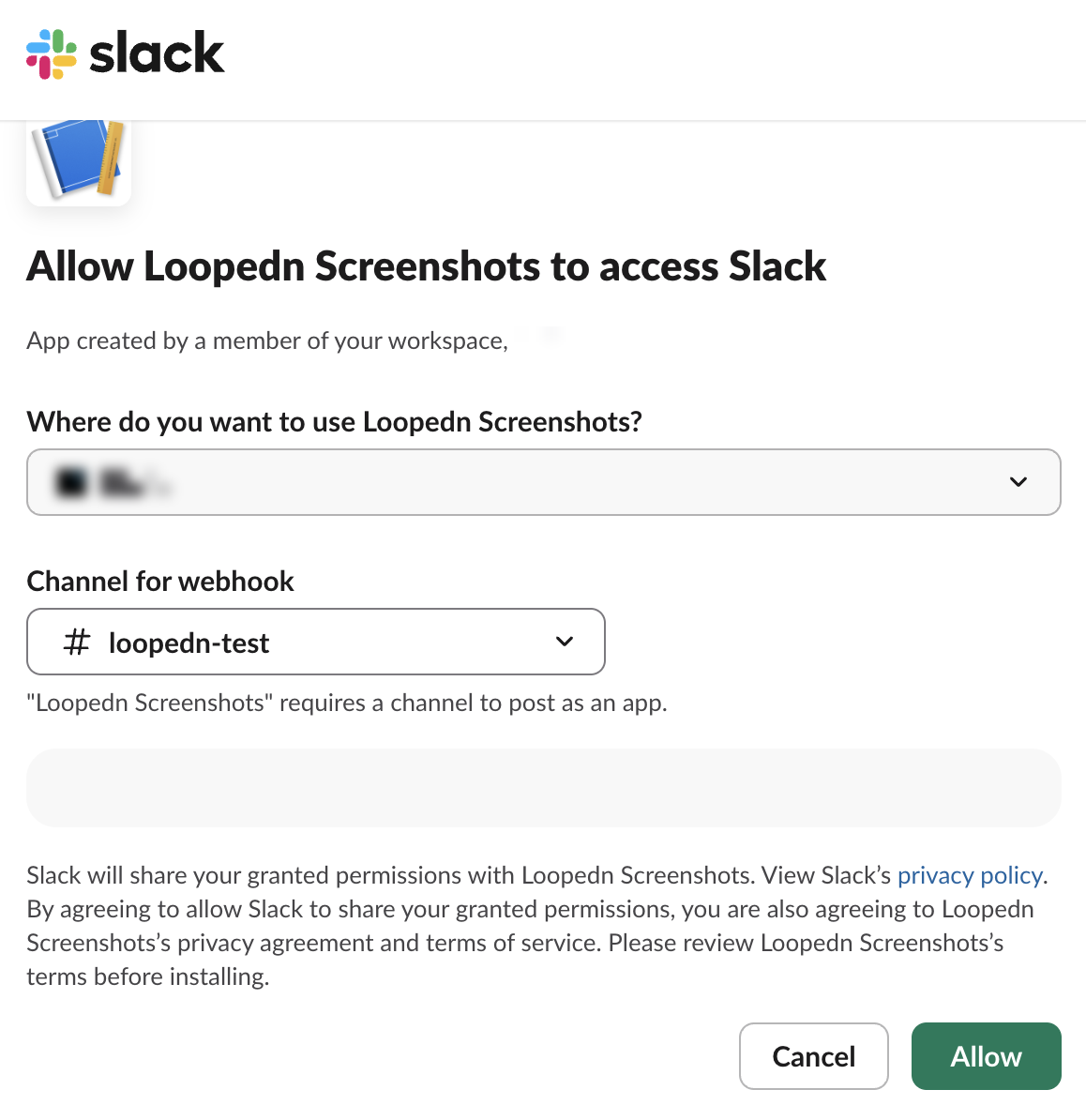
2 Pick the channel and copy the address
1. Pick the channel the leads should go to, and click Allow. No channel yet? Make one in Slack first: beside Channels, choose Create a new channel.
2. In the app's menu, open Incoming Webhooks. It shows On. Copy the address beside your channel: it starts with https://hooks.slack.com/services/.

3 Paste it in Loopedn and test it
1. Paste the address on this page, save, and click Send a test.
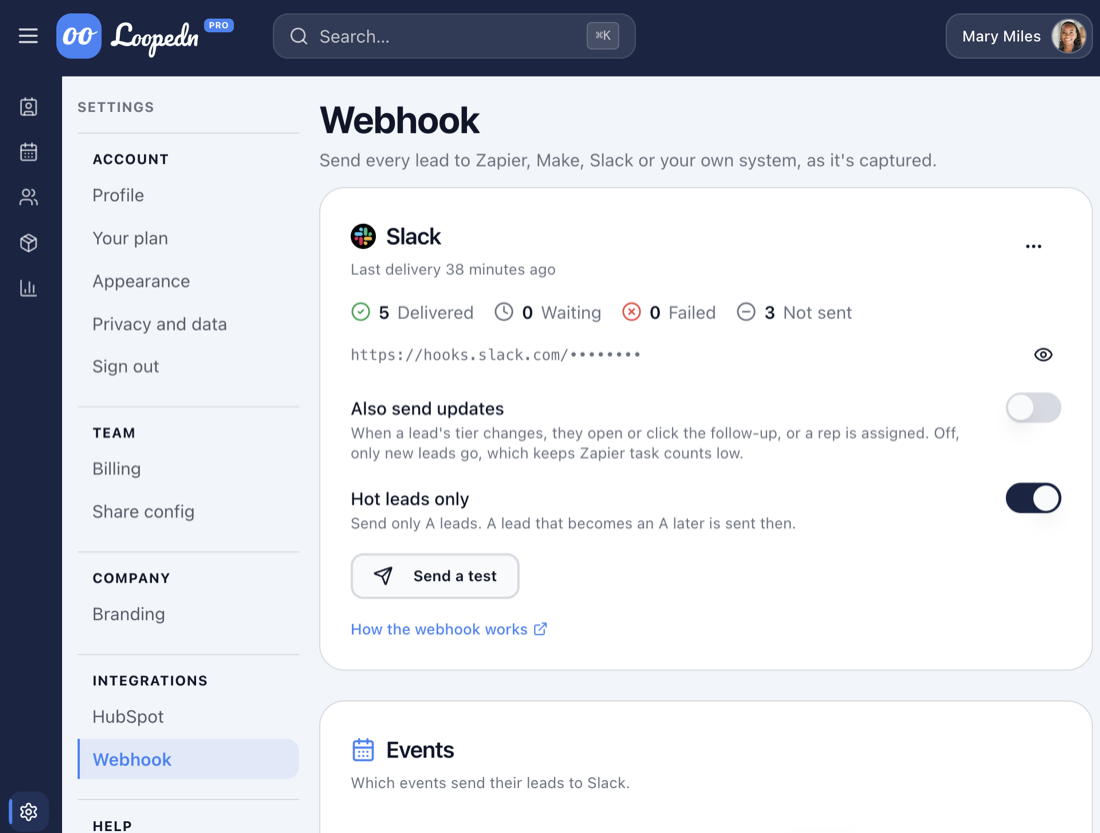
2. A test lead posts in your channel. From now on, every new lead does.
What it costs
It comes with Loopedn Pro, $29 per person per month, or $290 per year. A team needs one Pro seat to turn it on for everyone, and adding teammates is free.
Other tools Loopedn works with
- HubSpot
- Zapier
- Make
- Your own system
- Calendly
- Chili Piper
- HubSpot Meetings
- Google Calendar
- Microsoft Bookings
- Cal.com
 Chili Piper
 Microsoft Bookings
 Cal.com
Slack is a trademark of its owner. Loopedn is not affiliated with or endorsed by its owner.